Power BI DAX Scenario-Based Interview Questions and Answers
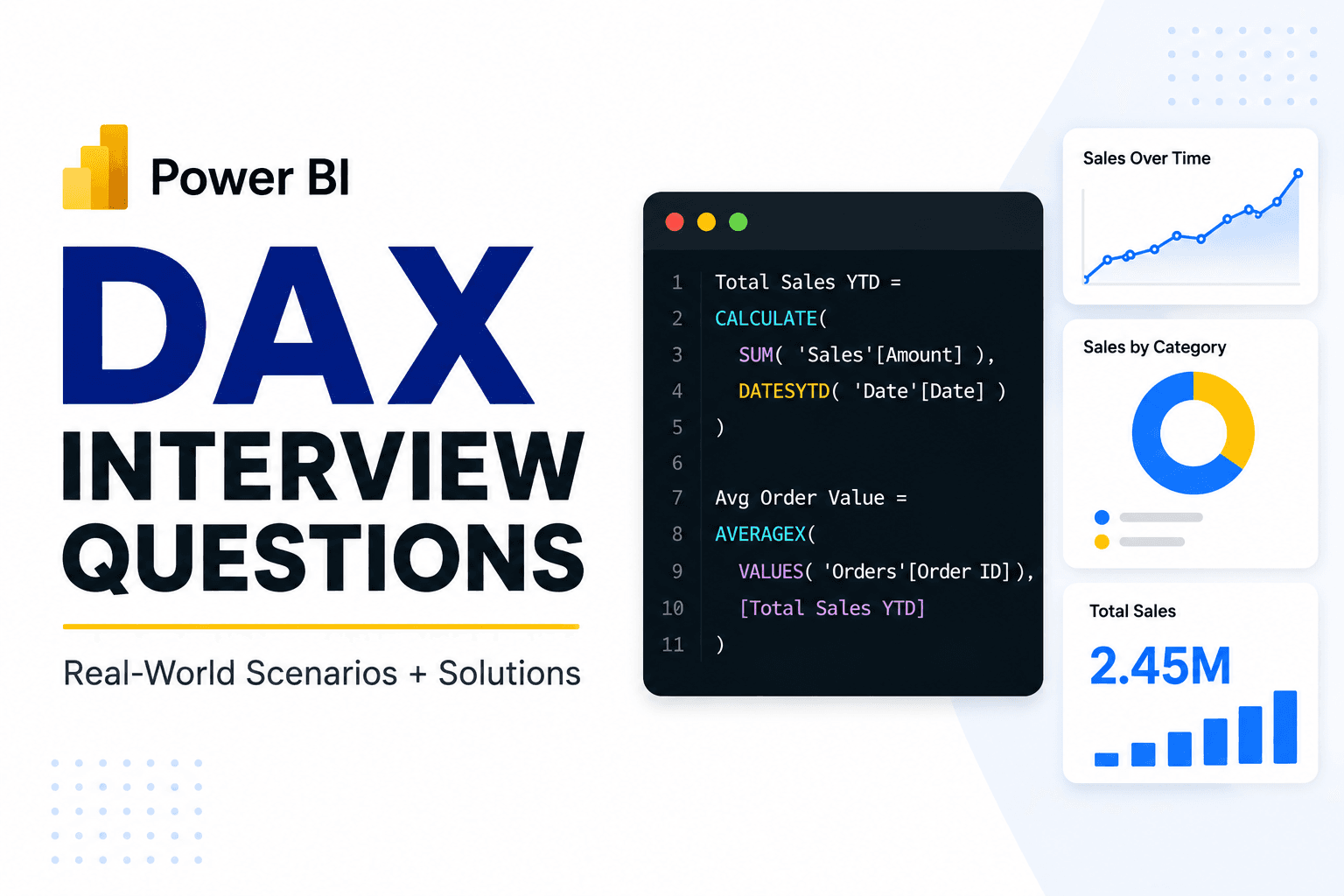
DAX interviews are rarely just about remembering functions. An interviewer may give you a business requirement and ask, “How would you calculate this?” The real test is whether you can translate the requirement into the right calculation and explain why it works.
A good way to approach these questions is:
Understand the business requirement — What exactly needs to be measured?
Identify the required filter context — Which filters should affect the result, and which should be ignored?
Choose the right calculation type — Should this be a measure, calculated column, or iterator?
Write the simplest valid DAX — Avoid adding functions you don't need.
Explain the logic — In an interview, explaining why your formula works is often as important as writing it.
Below are some realistic scenarios based on a simple Sales model with Sales, Product, Customer, and Date tables.
1. Calculate sales for a specific region
Business problem:
The sales manager wants to see total sales for the North region, regardless of the region currently selected in the report.
North Sales =
CALCULATE(
    [Total Sales],
    Sales[Region] = "North"
)
Assuming:
Total Sales =
SUM(Sales[SalesAmount])
CALCULATE modifies the existing filter context and applies the North-region filter.
What the interviewer is testing:
Whether you understand when CALCULATE is needed to change the way an existing measure is evaluated.
If the interviewer asks why the result changes when slicers are applied, this is where [understanding filter context and row context in DAX] becomes important.
2. Calculate Year-to-Date sales
Business problem:
The business wants a running total of sales from the beginning of the current year up to the selected date.
YTD Sales =
CALCULATE(
    [Total Sales],
    DATESYTD('Date'[Date])
)
DATESYTD returns the dates from the beginning of the year through the current date context. CALCULATE then evaluates total sales over those dates.
What the interviewer is testing:
Whether you understand time-intelligence patterns and the importance of a proper Date table.
A common mistake is trying to calculate YTD using only the Sales table's date column without understanding how the Date table controls the calculation.
3. What percentage of total sales does each product generate?
Business problem:
A product manager wants to know how much each product contributes to overall sales.
Product % of Total =
DIVIDE(
    [Total Sales],
    CALCULATE(
        [Total Sales],
        REMOVEFILTERS(Product[ProductName])
    )
)
The numerator is sales for the current product. The denominator removes the product filter, giving total sales across products while preserving other relevant filters, such as the selected year or region.
What the interviewer is testing:
This question checks whether you can deliberately remove one filter without accidentally removing all report filters.
The important part is not memorizing REMOVEFILTERS; it is recognizing that the denominator needs a different filter context from the numerator.
4. Calculate profit when profit depends on every sales row
Business problem:
The Sales table contains SalesAmount and Cost. The interviewer asks for total profit.
Total Profit =
SUMX(
    Sales,
    Sales[SalesAmount] - Sales[Cost]
)
SUMX evaluates the expression for each Sales row and then adds the results together.
This is useful when the calculation cannot simply be performed by summing one existing column.
What the interviewer is testing:
Whether you know when an iterator is appropriate and can work with row-level calculations.
You could also create a calculated column such as SalesAmount - Cost, but for a model-level business metric, a measure is often the more flexible choice.
5. Why does the total look different from the individual rows?
Business problem:
Suppose an interviewer shows a table containing Product and Profit Margin. The individual product margins look correct, but the Grand Total is not the average of the visible percentages.
This can happen because DAX evaluates the measure again in the total's filter context. It does not simply add or average the displayed rows.
For example:
Profit Margin =
DIVIDE(
    [Total Profit],
    [Total Sales]
)
At the product level, the measure calculates profit divided by sales for that product. At the Grand Total, it calculates total profit divided by total sales.
That is often the correct business result, even though it may not equal the average of the product-level percentages.
What the interviewer is testing:
Whether you understand that a measure is evaluated according to the current filter context rather than being a fixed value stored for each row.
If a DAX result or total looks unexpected, knowing how to [debug a DAX measure when the result looks wrong] is an important practical skill.
6. Find sales from returning customers
Business problem:
The business wants to calculate sales generated by customers who have made more than one order.
One possible approach is to identify customers with multiple orders and then calculate their sales:
Returning Customer Sales =
SUMX(
    FILTER(
        VALUES(Customer[CustomerID]),
        CALCULATE(COUNTROWS(Sales)) > 1
    ),
    CALCULATE([Total Sales])
)
Here, VALUES creates the list of customers currently relevant to the report. FILTER checks each customer, while CALCULATE(COUNTROWS(Sales)) evaluates the number of sales rows for that customer.
What the interviewer is testing:
This combines filtering, iteration, and context transition. The interviewer wants to see whether you can break a business problem into smaller logical steps instead of trying to guess one complicated formula.
7. Should this be a calculated column or a measure?
Business problem:
An interviewer asks: “We need to show whether each order is profitable. Would you create a measure or calculated column?”
If the requirement is a row-level classification such as:
Profit Status =
IF(
    Sales[SalesAmount] > Sales[Cost],
    "Profitable",
    "Loss"
)
a calculated column can make sense because the result belongs to each individual Sales row.
But if the requirement is a report KPI such as total profit, profit margin, or YTD profit, a measure is generally more appropriate:
Profit Margin =
DIVIDE([Total Profit], [Total Sales])
What the interviewer is testing:
Whether you understand that the choice between a measure and calculated column depends on the business requirement, not simply on which DAX syntax is easier.
Common mistakes in DAX scenario interviews
Candidates often make the same mistakes:
Jumping into DAX before understanding the business requirement.
Using
CALCULATEeverywhere without knowing what filter is being changed.Choosing a calculated column when a dynamic measure is required.
Using
SUMXwhen a simpleSUMwould be enough.Forgetting that slicers and visual filters affect measures.
Assuming Grand Totals are calculated by adding the visible rows.
Removing too many filters with
ALLorREMOVEFILTERS.Giving the formula without explaining the reasoning behind it.
The strongest interview answers usually follow a simple pattern: business requirement → filter context → calculation approach → DAX → explanation.
Practice DAX, Don't Just Read It
Reading solved DAX examples is useful, but it is different from receiving a business requirement and building the solution yourself.
Once you understand these patterns, try solving similar scenarios independently before looking at the answer.
Ready to test your DAX instead of just reading answers? Try a similar Power BI scenario on DashLeetics and work through the problem yourself.